All services

Website Development + SEO

Website design and development in Jaipur

We design and build business websites, landing pages and online stores for teams in Jaipur and across India. We plan what customers need to find on Google and test the actions they take once they reach the site.

Page plan · Mobile design · Launch checks

BUILD STUDIOILLUSTRATIVE DEMO
Example: page wireframe, code and a finished desktop and mobile layout. Current screen: Wireframe.

From the first page plan to launch

We start with the questions customers already ask your team. We turn those into a page plan, build for phone and desktop, and test the paths to call, enquire or buy. Before launch we agree who can edit the site, what SEO is included and how support will work.

Read the service details

What are you building?

  • Business website design in Jaipur

    Give each service room to explain the work, show relevant projects and answer questions like where you operate and how to request a quote.

  • Ecommerce website development

    Make it easy to compare products, check delivery and pay on a phone. We agree who will handle the catalogue and orders after launch.

  • Website redesign and search visibility

    Find out which old pages customers already use. Keep the links that still make sense and redirect pages that need to move.

See the full scope
  • Business and service websites
  • Responsive UI and UX design
  • Ecommerce and landing pages
  • CMS and content handover
  • Technical and on-page SEO
  • Jaipur and Rajasthan local SEO
  • Performance and accessibility review
  • Redirects and launch checks
  • Search Console setup support

How a website gets ready to launch

Scroll through eleven steps, from the first page plan to testing on phones and handing over the site.

  1. 01 / 11

    Talk through the job first

    Website research illustrationTHE RIGHTQUESTIONSYour audienceYour businessYour prioritiesReal content

    Tell us what customers want to know and what should happen after they visit.

    Look at your current pages, enquiries and search data where available.

    Example: A local installation company needs customers to check service areas and request a quote.

    Discovery brief · Content inventory · Scope agreement

  2. 02 / 11

    Work out which pages you need

    Website planning illustrationA clear purposeDiscoverUnderstandTake action

    Give each service a clear place and draw a short route to a call, form or purchase.

    Agree the page list and what content is ready to use.

    Example: Give each service a clear page and put the contact route where people look for it.

    Sitemap · Customer journeys · Keyword-to-page map

  3. 03 / 11

    Sketch the mobile page

    Website wireframe illustrationHIERARCHY BEFORE DECORATION

    Put the offer, supporting information and contact action in the order people need them.

    Check what someone can understand before their first scroll.

    Example: On a phone, show the main service and the quote action before the project gallery.

    Wireframes · Content hierarchy · Mobile layout

  4. 04 / 11

    Agree how the site should look

    Website design illustrationFORM / EVERYDAY OBJECTSA little morewonder.EXPLORE ↗ORIGINAL INTERFACE CONCEPT

    Review type, images and layouts on a phone and a larger screen.

    Use the same visual rules for buttons, forms and the pages your team will edit.

    Example: Review the type, imagery and contact buttons on a few common phone widths.

    Design concepts · Component library · Responsive design review

  5. 05 / 11

    Build the pages and connect the forms

    Website development illustrationCOMPONENTS / CONTENT / LOGIC<Experience> <Navigation /> <Hero content={page} /> <Journey stages={steps} /> <Contact onSubmit={save} /></Experience>

    Turn the agreed layouts into working pages and add the features in your proposal.

    Check that the enquiry arrives where the right person can respond.

    Example: Connect the quote form to the enquiry inbox and confirm that editing access works.

    Page build · CMS and forms · Integration checks

  6. 06 / 11

    Show people when an action works

    Website animation illustrationINTENTANTICIPATEMOVESETTLERESTONE MOTION LANGUAGE

    Use movement or a message when a menu opens, a form sends or a page changes.

    Keep the same answers available to people using a keyboard or reduced motion.

    Example: Show when an enquiry sends and when it succeeds, with the same message in reduced motion.

    Interaction states · Keyboard and touch · Reduced-motion support

  7. 07 / 11

    Test real tasks on different screens

    Website responsive illustrationSame idea.Every screen.ADAPT THE COMPOSITION

    Try calling, opening the menu and sending a quote request at common screen widths.

    Adjust spacing and touch targets where a phone makes a task harder.

    Example: Try the menu, phone link and form on mobile as well as desktop.

    Device previews · Touch target review · Layout testing

  8. 08 / 11

    Check what slows the pages down

    Website performance illustrationWebPASSETSplitCODEPauseMOTIONGive the browser less to carry.REAL MEASUREMENT COMES AFTER IMPLEMENTATION

    Size images to the space they use and check which fonts and scripts load first.

    Test how quickly a visitor can see and use the important parts of the page.

    Example: Resize the main photo, then confirm it loads clearly on a phone without shifting the layout.

    Responsive images · Performance checks · Layout stability

  9. 09 / 11

    Protect forms and editing access

    Website security illustrationValidateAuthorize

    Check the information a form accepts and who can edit the site or read enquiries.

    Confirm HTTPS, the backup setup and the account handover in the scope.

    Example: Validate form input, restrict admin access and check backups before handover.

    Form validation · Access and backups · HTTPS review

  10. 10 / 11

    Prepare the pages for Google

    Website seo illustrationMEANINGFUL STRUCTUREA page with a purpose.Title + descriptionHeadings + internal linksCanonical + indexability

    Make page titles, internal links and the sitemap describe what you actually offer.

    Check redirects, indexing and Search Console access for the pages that matter.

    Example: Review the title, links and canonical address for each service page before submission.

    On-page review · Crawl and index checks · Search Console handover

  11. 11 / 11

    Launch, then confirm the handover

    Website launch illustrationREADY FOR YOUR NEXT CHAPTERREVIEW · HANDOVER · AGREED SUPPORT

    Test the live site and make sure old links and new enquiries go where intended.

    Hand over the agreed accounts, editing instructions and support details.

    Example: Confirm that old links redirect, the enquiry arrives and your team can log in.

    Go-live checks · Ownership handover · Post-launch review

Review the site on the screens people use

Check the reading order, contact actions and photos on phones before signing off the design. A page should give people enough information to decide what to do next.

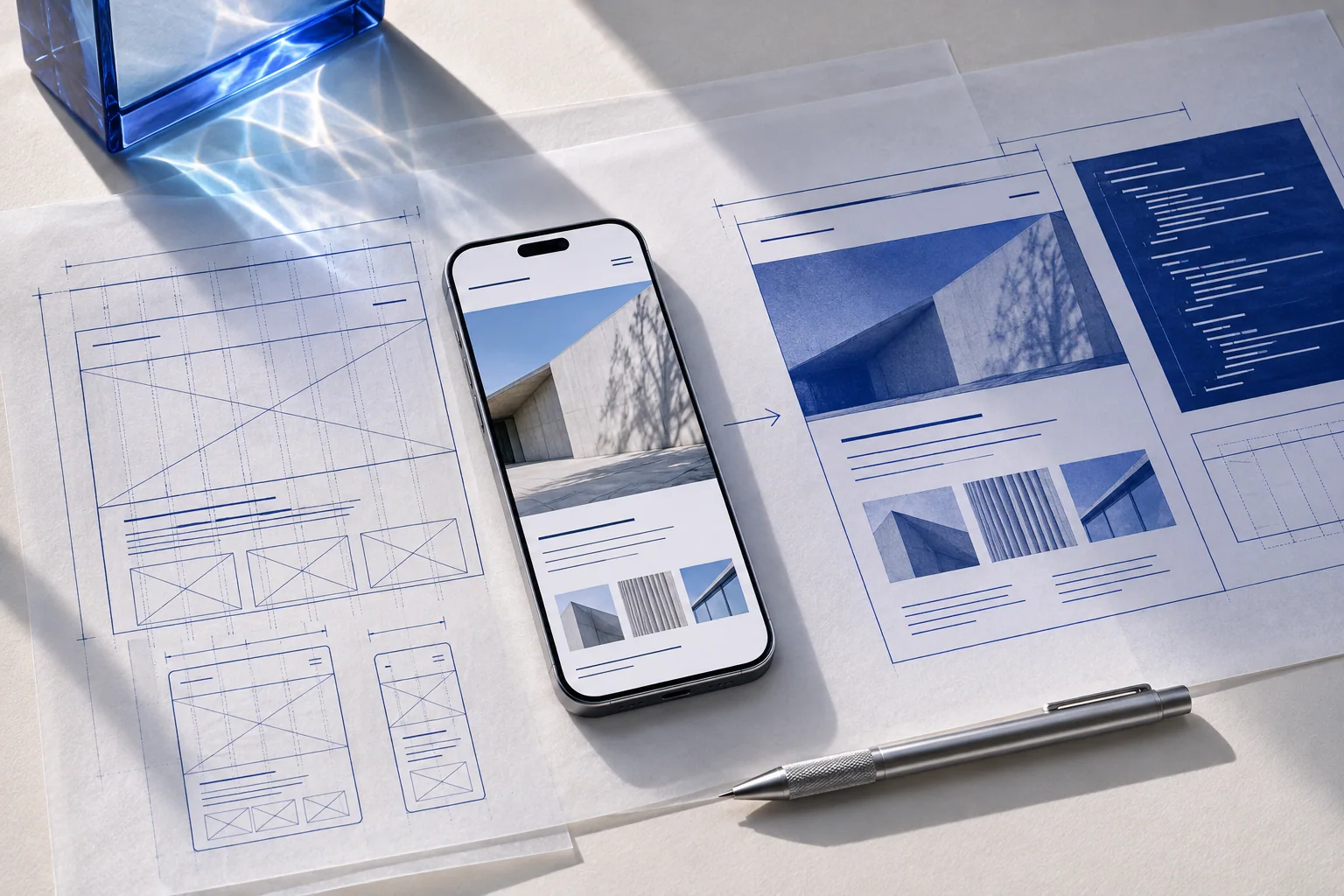
Responsive wireframes, a phone preview and design notes on a studio desk
Mobile and desktop layouts reviewed together.
Service details

Show a customer what they came to find

Think about the last question someone asked before they booked you. Perhaps it was “Do you cover my area?” or “Can I see a similar job?” A useful service page answers those questions in the order people ask them. Start with the offer, give them enough to decide and put the next action where they can reach it on a phone.

A business website for people comparing services

We work out when a customer needs a separate service page, a real project example or a short answer before making a call. If your team needs to change photos, hours or services later, we agree what editing access and training to include.

A landing page for people coming from an ad

Keep the promise made in the ad. If the ad offers a consultation, the landing page should explain who it is for, what is included and how to book. We test the form, the thank-you message and how the response reaches you.

A store or a redesign

For a store, we agree the product information, payment, delivery and who will look after the catalogue. For a redesign, we check your important pages and links first. If a URL has to move, we can plan a redirect and test it at launch.

What we check before handover

  • Try the menu, contact buttons and forms on phones and larger screens.
  • Check that important pictures load at a suitable size and the page keeps its place as it loads.
  • Review titles, links, sitemap and indexing. If the site is replacing another one, test the old addresses people still use.
  • Give your team the editing access, instructions and support agreed in the proposal.

What goes into your website quote?

Use the free consultation to talk through the pages, content, integrations and editing access you need. Your consultant will explain what the quote covers and which hosting, domain, tool or maintenance charges are separate. If you want ongoing SEO, we agree what we would work on after launch and how we would report it.

Give Google a clear picture of your business.

Show what you do, where you do it and which page answers each customer question. We plan those pages before launch.

  • Page planning

    Give visitors a page for each service they compare. Use the words your customers use when they ask about it.

  • Technical checks

    Review titles, headings, links, sitemap and redirects. Check that the pages work on phones and can be indexed.

  • Local search

    Keep the name, address and contact details accurate. If eligible, use your Google Business Profile to show where you work.

  • After launch

    Review indexed pages, search queries and clicks alongside enquiries to decide what content needs work.

Include Jaipur or other service areas where the information helps a real customer. After launch, Search Console can show which pages Google has indexed and what people search before visiting.

Discuss your SEO scope

A design your team can review before we build

Bring your existing site or a few examples you like. We agree the important pages early and check which links and content should carry through to launch.

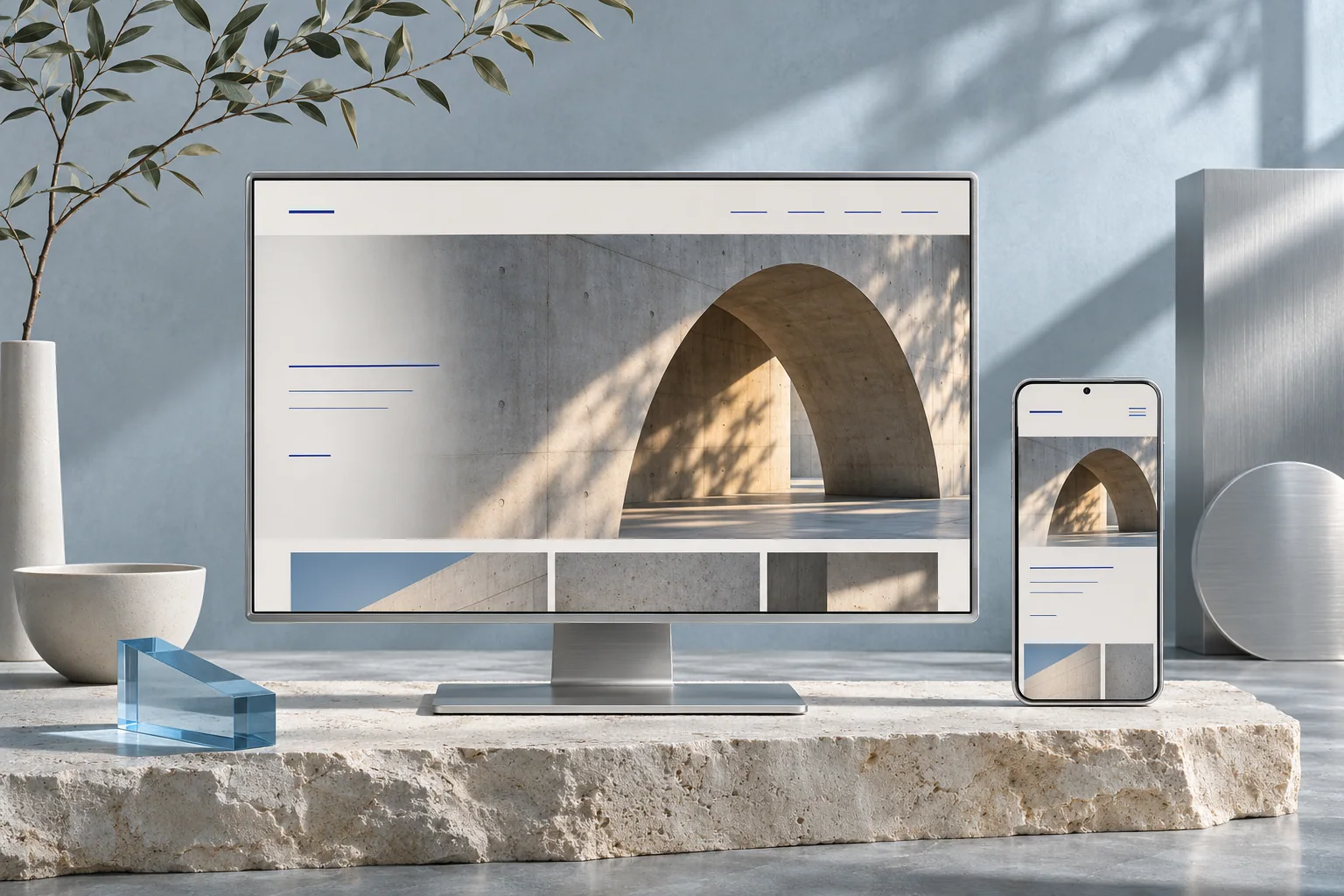
Desktop and phone showing matching responsive website designs on a limestone plinth
THE INTERFACE LAB

See the design
change in your hands.

Explore a wireframe, a visual design and a responsive layout. Each view shows a different part of the same idea.

Build an experience like this
form / original design concept
ONE IDEA. A RESPONSIVE COMPOSITION.

This is an original interface demonstration. Device frames and transitions explain design decisions; they are not a browser certification or a performance benchmark.

Drag the slider · choose a screen · open the layers

How your project quote works

Start with a free consultation. Once we understand what you need, your consultant will explain the scope and quote for that work.

What to bring to the call

Tell us which pages you need, what customers should be able to do and who will update the site. Bring your current site or a couple of examples you like.

Before you get started

What kinds of websites can you build?

Business and corporate sites, ecommerce stores, portfolios, landing pages, dynamic websites, and custom web applications. We choose the scope and technology around your requirements.

Can I update my website myself?

Yes, if content management is part of the agreed scope. We can include an admin panel for your pages, services, pricing, images, and enquiries, with a practical handover.

Can you redesign an existing Jaipur business website?

Yes. We first check which pages customers use, where enquiries arrive and which links still matter. If those URLs have to move, we plan and test redirects.

What SEO is included in a website build?

The proposal can include page titles, headings, links, sitemap, redirects and indexing checks. Ongoing content or work on a local profile is scoped separately.

Can you work on Jaipur, Rajasthan and India searches?

Yes. We start with the places you actually serve and add details that help customers in those areas decide whether to contact you.

How long does SEO take, and can you guarantee #1?

The timing depends on the site, the search and the competition. We check that the pages can be indexed and use Search Console and enquiries to decide what to improve.

Who controls the website and its accounts after launch?

The domain, hosting and Search Console should be under your control. We agree what editing access, source code, training and support are included before we start.

What information do you need before building my website?

Send the current site if you have one. Tell us what you sell, who you serve and what customers usually ask before buying. Real photos, examples of projects and your brand files help.

Will my business website work on mobile phones?

We design for phone and desktop and check the actions people need. That includes opening the menu, calling, using WhatsApp and sending a form where those actions are in scope.

Are hosting, maintenance and ongoing SEO included in the website price?

The proposal shows which work is included. Hosting, paid tools, changes after launch and ongoing SEO can be listed separately so you can see the recurring costs.

What should the new site help a visitor do?

Share your existing site or tell us which pages you need.